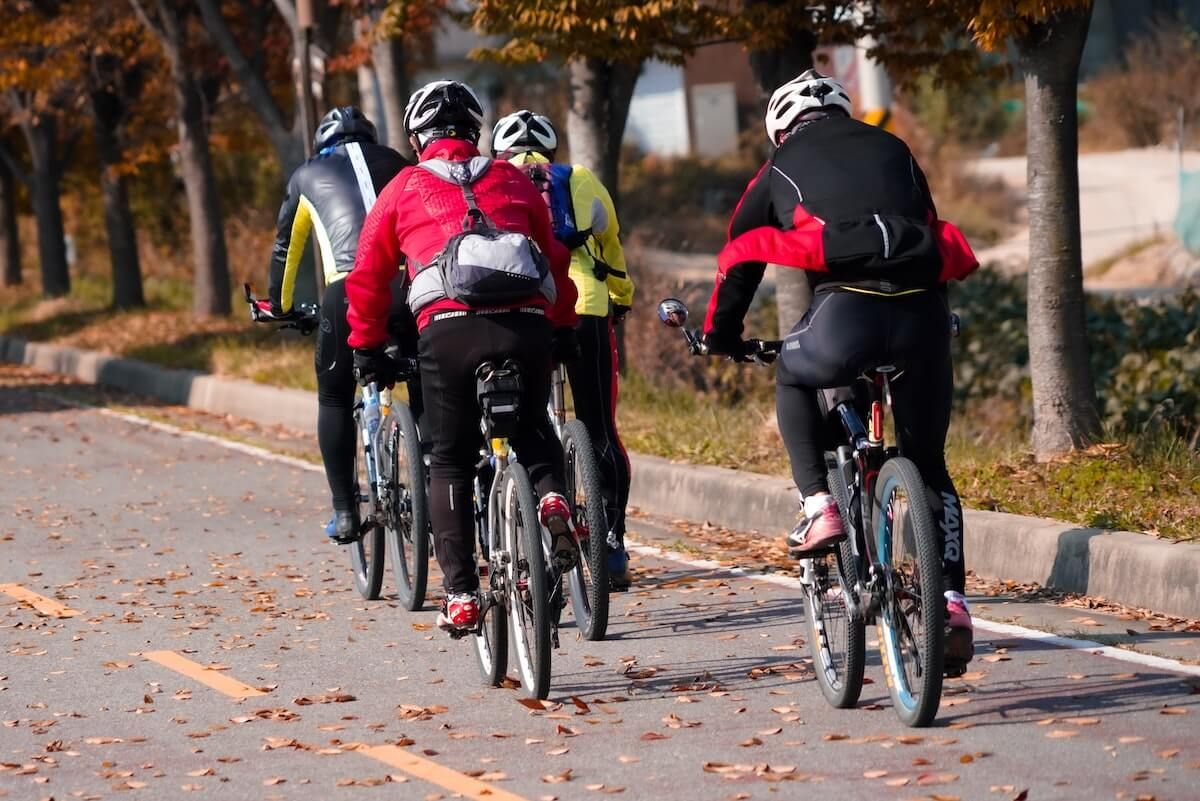
Best Bike Computer for Strava (2026): Buying Guide
If Strava is where your riding life is recorded, your computer should feed it clean data and upload without a fight. The best bike computer for strava pairs accurate GPS and sensor support with automatic syncing, so every ride, segment effort, and training week lands on your profile minutes after you stop.
This guide focuses on the Strava specific details that generic computer guides skip: how live segments actually work, what auto upload requires, and which data fields matter for segment hunting and training analysis. The main design patterns are compared in the table below.
Compare Products

Garmin Edge 540, Compact GPS Cycling Computer | Button Controls,
- TBB Score9.0
TrekBikesBlog (TBB) score is a ranking system that rates products on a scale of 1 to 10. The TrekBikesBlog score has no relationship or impact from any manufacturers or sales agent websites – it's an unbiased way to rate our products. Learn more
- BrandGarmin

- TBB Score9.0
TrekBikesBlog (TBB) score is a ranking system that rates products on a scale of 1 to 10. The TrekBikesBlog score has no relationship or impact from any manufacturers or sales agent websites – it's an unbiased way to rate our products. Learn more
- BrandGarmin

Wahoo ELEMNT BOLT V3 Aero GPS Bike Computer with Navigation
- TBB Score8.8
TrekBikesBlog (TBB) score is a ranking system that rates products on a scale of 1 to 10. The TrekBikesBlog score has no relationship or impact from any manufacturers or sales agent websites – it's an unbiased way to rate our products. Learn more
- BrandWahoo Fitness

- TBB Score8.0
TrekBikesBlog (TBB) score is a ranking system that rates products on a scale of 1 to 10. The TrekBikesBlog score has no relationship or impact from any manufacturers or sales agent websites – it's an unbiased way to rate our products. Learn more
- BrandWahoo Fitness

iGPSPORT BSC500 GPS Bike Computer, 3.3'' Touch Screen MAP Voice
- TBB Score9.2
TrekBikesBlog (TBB) score is a ranking system that rates products on a scale of 1 to 10. The TrekBikesBlog score has no relationship or impact from any manufacturers or sales agent websites – it's an unbiased way to rate our products. Learn more
- BrandiGPSPORT

- TBB Score8.8
TrekBikesBlog (TBB) score is a ranking system that rates products on a scale of 1 to 10. The TrekBikesBlog score has no relationship or impact from any manufacturers or sales agent websites – it's an unbiased way to rate our products. Learn more
- BrandiGPSPORT

- TBB Score8.4
TrekBikesBlog (TBB) score is a ranking system that rates products on a scale of 1 to 10. The TrekBikesBlog score has no relationship or impact from any manufacturers or sales agent websites – it's an unbiased way to rate our products. Learn more
- BrandCYCPLUS

- TBB Score8.6
TrekBikesBlog (TBB) score is a ranking system that rates products on a scale of 1 to 10. The TrekBikesBlog score has no relationship or impact from any manufacturers or sales agent websites – it's an unbiased way to rate our products. Learn more
- BrandCooSpo

- TBB Score8.6
TrekBikesBlog (TBB) score is a ranking system that rates products on a scale of 1 to 10. The TrekBikesBlog score has no relationship or impact from any manufacturers or sales agent websites – it's an unbiased way to rate our products. Learn more
- BrandNavihood

- TBB Score8.8
TrekBikesBlog (TBB) score is a ranking system that rates products on a scale of 1 to 10. The TrekBikesBlog score has no relationship or impact from any manufacturers or sales agent websites – it's an unbiased way to rate our products. Learn more
- BrandiGPSPORT
Last update on 2026-11-24 / Affiliate links / Images, Product Titles, and Product Highlights from Amazon Product Advertising API
Segment hunters who chase leaderboards
If starred segments and personal records drive your riding, you need a computer with live segment support, a fast processor, and a screen that shows time ahead or behind at a glance. Live segments require a Strava subscription and a linked account, and the computer alerts you as you approach a starred segment. Start with the full picture in our guide to the best bike computer features, then filter for this segment focused group.
Training focused riders logging structured work
Riders following intervals and weekly load targets need clean heart rate and power data, reliable lap functions, and uploads that never lose a session. Sensor support over both Bluetooth and ANT+ matters here, because your power meter, heart rate strap, and trainer may each speak a different protocol. Consistent auto upload also keeps your training calendar and fitness trend in Strava accurate week after week.
Everyday riders who just want rides to appear
If you simply want every commute and weekend ride on Strava without cables or manual file transfers, an affordable GPS unit with phone app syncing does the job. The best budget bike computer tier covers this well, since basic GPS recording and Bluetooth upload are now standard at low prices. Skip touchscreens and mapping extras and put the savings toward a heart rate strap for richer data.
Auto upload and app syncing reliability
The core Strava feature is what happens after the ride. Better computers upload by WiFi when you get home or by Bluetooth through the phone app the moment you save, with no manual steps. Check how the brand app handles account linking, because a broken link is the most common cause of missing uploads. Also confirm the computer can hold many rides in memory if you tour without syncing for days, and that duplicate uploads are prevented when both WiFi and phone sync fire at once.
Live segments and on device Strava features
Live segments turn your starred Strava segments into real time races against your own record or the segment leader. The computer needs a GPS lock, a downloaded segment list from your account, and enough processing speed to track your position against the segment as you ride. Some units also show segment results and give kudos prompts after upload. Remember that live segments need a paid Strava subscription, and free accounts only get post ride analysis. Battery drain rises with live segments on, so check runtimes with the feature active.
GPS accuracy and sensor support
Segment times are only as good as the track behind them. Multi band GPS units hold a cleaner line under trees and between city buildings, which keeps segment matching fair and distance honest. For pure positioning depth, the best gps bike computer designs lead the market. Sensor support should include power meters, heart rate straps, speed and cadence sensors, electronic shifting, and smart trainers, ideally over both major wireless protocols so nothing in your kit is left unpaired.
Battery life for long rides and events
Match battery claims to your longest rides. Small units often run about 15 to 20 hours with GPS on, which covers a week of training or one very long event day. Larger mapping units may run less with the screen bright and live segments active. Look for a battery saver mode that trims screen and GPS settings, and for USB charging that works from a small power bank on multi day tours. Cold weather shortens real runtime, so winter riders should keep a margin rather than trusting the box figure.
Screen, maps, and off road use
Screen choice shapes daily use: button controlled units work in rain and with thick gloves, while touchscreens make map browsing and data field setup faster. Color maps with route guidance help when a Strava route becomes your ride plan. Trail riders should note that the same computer often crosses over to dirt duty, and our guide to the best bike computer for mountain biking covers the tougher mounts and crash considerations that road focused buyers can ignore.
Data fields and training metrics
Configurable data pages let you put the numbers you actually use on one screen: power, heart rate, cadence, speed, and segment time gaps for Strava focused riding. Heart rate and power data are training tools, not medical measurements, so treat unusual readings as a prompt to rest or to talk with a clinician if symptoms persist, not as a diagnosis. Check that the computer exports complete files, because Strava analysis depends on per second recording rather than smart recording that skips data points.
- Buying a unit without checking live segment support, then discovering your Strava subscription feature does not work on it.
- Leaving smart recording on, which thins out GPS points and can distort segment times and distance.
- Forgetting to link accounts in the brand app, so rides record fine but never reach Strava.
- Trusting wrist or phone heart rate substitutes that drop out, leaving gaps in the training data you bought the computer for.
- Ignoring mount security, because a computer lost in a crash takes the ride file and your segment effort with it.
- Letting the battery die on long events by running full brightness, maps, and live segments with no saver mode planned.
Rinse sweat and road spray off the unit after rides and dry the charge contacts before plugging in, because corrosion there is the usual cause of charging failures. Keep the firmware updated through the brand app so sync bugs and GPS fixes reach your device. Use a tether or a quality out front mount to protect against drops, and avoid leaving the computer baking on a car dashboard. Charge before storage and top up monthly if you ride rarely, since deep discharged batteries age fastest. Before every ride, confirm the sensors are paired and the battery covers your planned distance.
Do all bike computers upload to Strava automatically?
Most current GPS computers do, through WiFi or the brand phone app, once you link your Strava account in the app settings. Very basic units without GPS or app support cannot upload at all. After linking, test with a short ride before an important event, and check that the ride visibility settings in Strava match what you expect, since private by default settings surprise many new users.
Do I need a Strava subscription for live segments?
Yes. Live segments on a bike computer require a paid Strava subscription and a computer that supports the feature. Your starred segments sync to the device, and it compares your effort in real time. Free accounts still receive full post ride segment results after upload, so a subscription is about the live racing experience and deeper analysis, not about recording rides.
Is a bike computer more accurate than a phone for Strava?
Generally yes. A dedicated computer holds a stronger GPS lock with a clear sky view on the bars, records every second, and does not throttle tracking to save phone battery. Phone apps can lose points in pockets, under trees, or when the battery saver cuts in. For segment chasing and training analysis, the cleaner file from a computer is worth it.
Can I use Strava routes on a bike computer?
On mapping capable units, yes. Routes you build or star in Strava sync through the brand app or a connected route service, and the computer gives turn prompts or a breadcrumb line. Basic units without maps cannot follow routes, so check for route support if exploring new roads is part of your riding. Download routes at home, because trailhead phone signal is unreliable.
Which sensors should I pair for the best Strava data?
Start with a heart rate strap, which fills in effort and calorie estimates that GPS alone cannot give. Add a power meter if you train seriously, since power based metrics are the most reliable load measure Strava offers. Speed and cadence sensors improve accuracy on trainers and under heavy tree cover. Pair everything at home and rename the sensors in the app so a low battery warning later is easy to trace.
For Strava riders, the buying order is sync reliability first, GPS accuracy second, and screen extras last. The best bike computer for strava on your shortlist from the product table above should upload every ride without thought and hold its GPS line where your segments live. Set up the account link on day one, record a test ride, and your training history will look after itself.


Best Bike Seat for Seniors in 2026: Buying Guide and What to Check

Best Action Camera for Car Racing in 2026: A Buying Guide

Best Bike Pet Carriers: Mounting, Weight Limits, and Safety

Best Bike Trainer for Beginners in 2026: Buying Guide and What to Check
Best Action Camera for Hunting (2026): Mounts, Light and Battery Guide

Best Electric Motor for Mountain Bike: Every Type Explained Side by Side for 2026

Best Comfort Bike Seats (2026): Buying Guide
Best Collapsible Water Bottles (2026): Buying Guide for Riders